
Deliveries
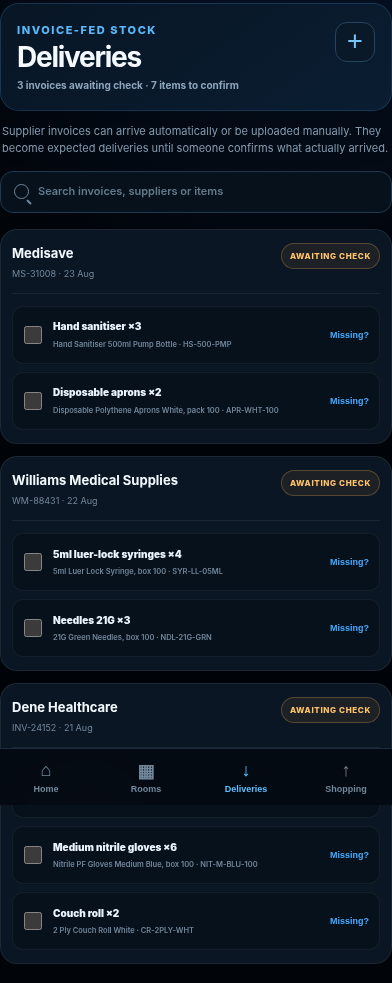
Your invoice becomes the delivery checklist.
With Practice Plus, invoices sent to DBX ONE are picked up automatically and prepared as an expected-delivery checklist. Staff can simply tick them off when they arrive.
Room checks
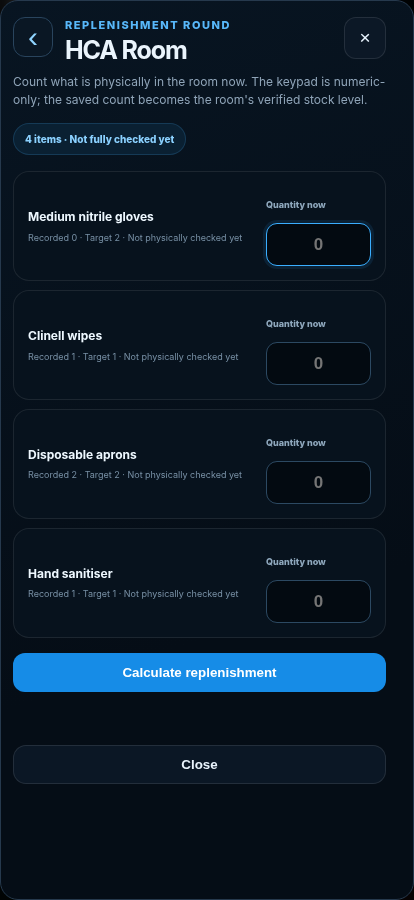
Count the room once. STOCKROOM calculates what it needs.
Staff enter the physical count they see - STOCKROOM calculates the replenishment amount and records when it was checked, who checked it and what was done.
Attenborough Surgery + Essex Lodge · Regulation 12 requirement notices
Expired consumables lead to Regulation 12 breaches.
In both reports, CQC recorded the findings in Regulation 12 requirement notices.
CQC requirement notice · Attenborough Surgery“Some medical consumables at one surgery were beyond their expiry dates.”
CQC recorded the wider failure to monitor medical-consumable expiry as a breach of Regulation 12(1).
CQC requirement notice · Essex Lodge“There was no system to check emergency medicines or pulse oximeter in the emergency kit and emergency use needles and syringes were out of date.”
CQC recorded this within a Regulation 12(1) breach.
How STOCKROOM closes the gap
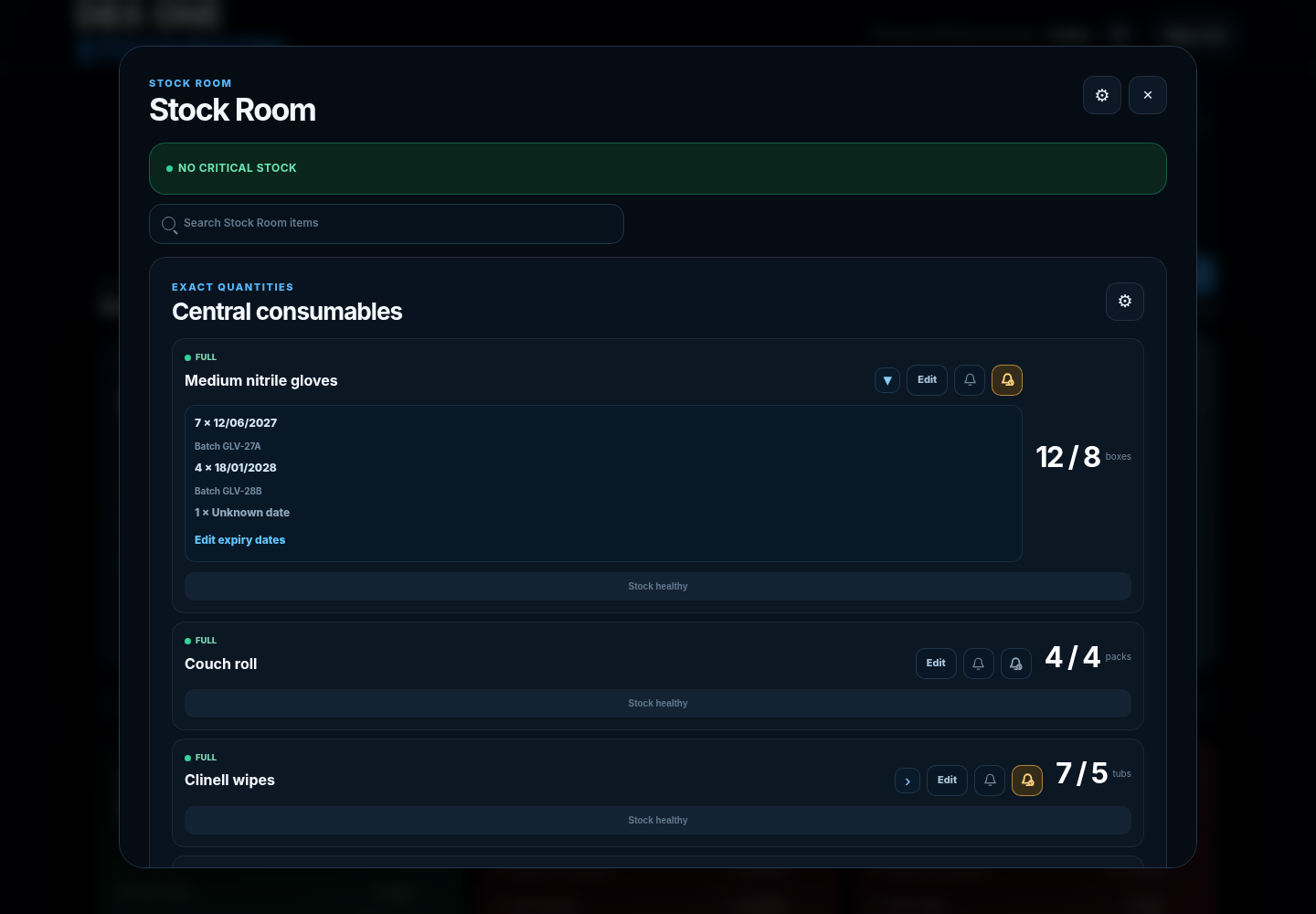
- Expiry dates are attached to the stock record instead of a separate memory or spreadsheet
- Upcoming expiry can be surfaced before the item reaches the date
- The practice can see quantities and expiry lots together
Nothing left to memory
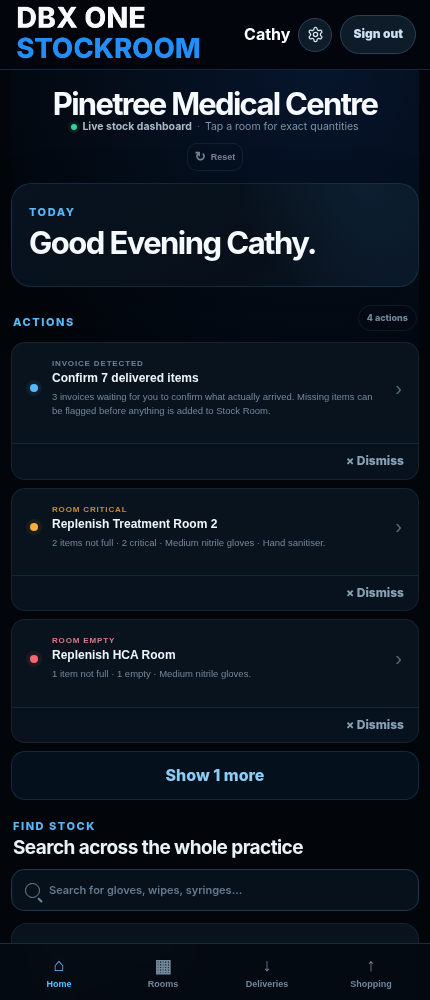
Problems stay visible until someone fixes them.
Shortages, expiry risks and outstanding actions stay in one shared view, with the record of who resolved them and when.
Stock organisation can release real clinical time.
An NHS England GP case study reported 16 hours of clinical time released each week after Churchill Medical Centre improved room organisation and introduced routine stock-up.
Read the NHS England case study → NHS England case study; not a DBX ONE customer result.Try it without committing
Your setup first. Then 30 days of Practice Plus.
Request the trial with three details. We contact you, prepare the starting setup and ask your team to check it before anything goes live. After the trial, keep Plus for £69/month, move to Core for £39/month, or stop. No automatic paid conversion.